Every Task has a status
See what is working, what is ready for review and what is done.
Hand work to Comma in chat at any hour. It keeps working on its own cloud computer, and your phone shows what needs you.
The chat with Comma on an iPhone. A request to plan a team offsite in Lisbon becomes a Task that Comma works on.
You can add photos and files, dictate a message, call Comma, or watch its browser.
See what is working, what is ready for review and what is done.
A running Task stays at the top of your iPhone.
Dictate a message when typing is too slow.
Your iPhone tells you when a Task needs you.
Comma suggests what to say next.
Routines prepares a daily briefing from the apps you connect. Tap an item to start on it.
A Task has its own chat. Open its details for its status, the Worker's steps, its files and its labels.
Describe a tool, such as a habit tracker, and use it on your phone. Share it with a link.
Start a voice call, and keep talking with the phone in your pocket. Or dictate a message.
Start a coding Task on a repository, read the diff and merge the pull request.
Open the agent's browser and take control when a page needs you. You can also view a computer in your Workspace.
Read your briefing or reply to a Task with your Task list in view. The cover screen has the full app.
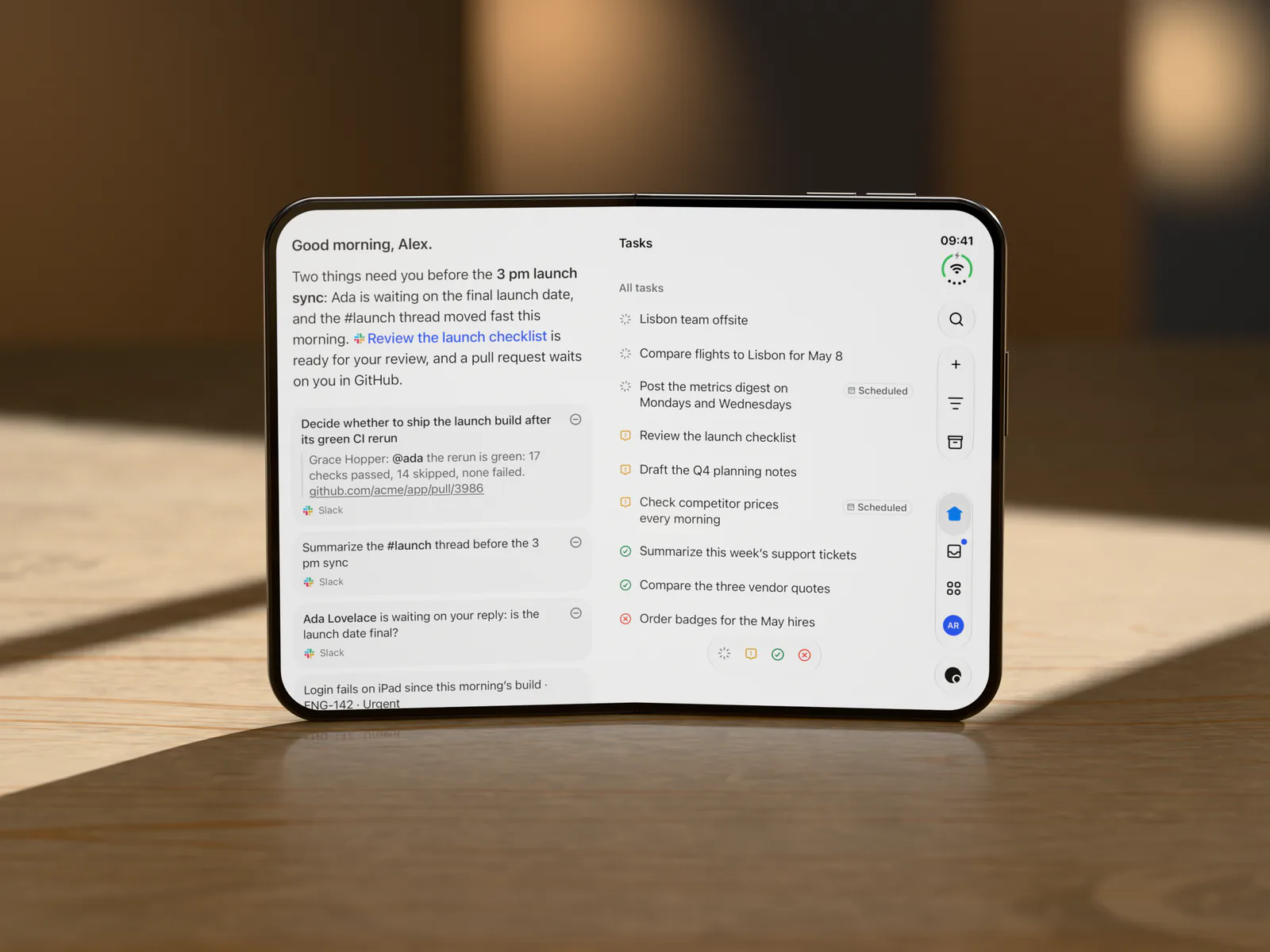
The briefing shows what needs you today. Beside it, your Tasks show their status.
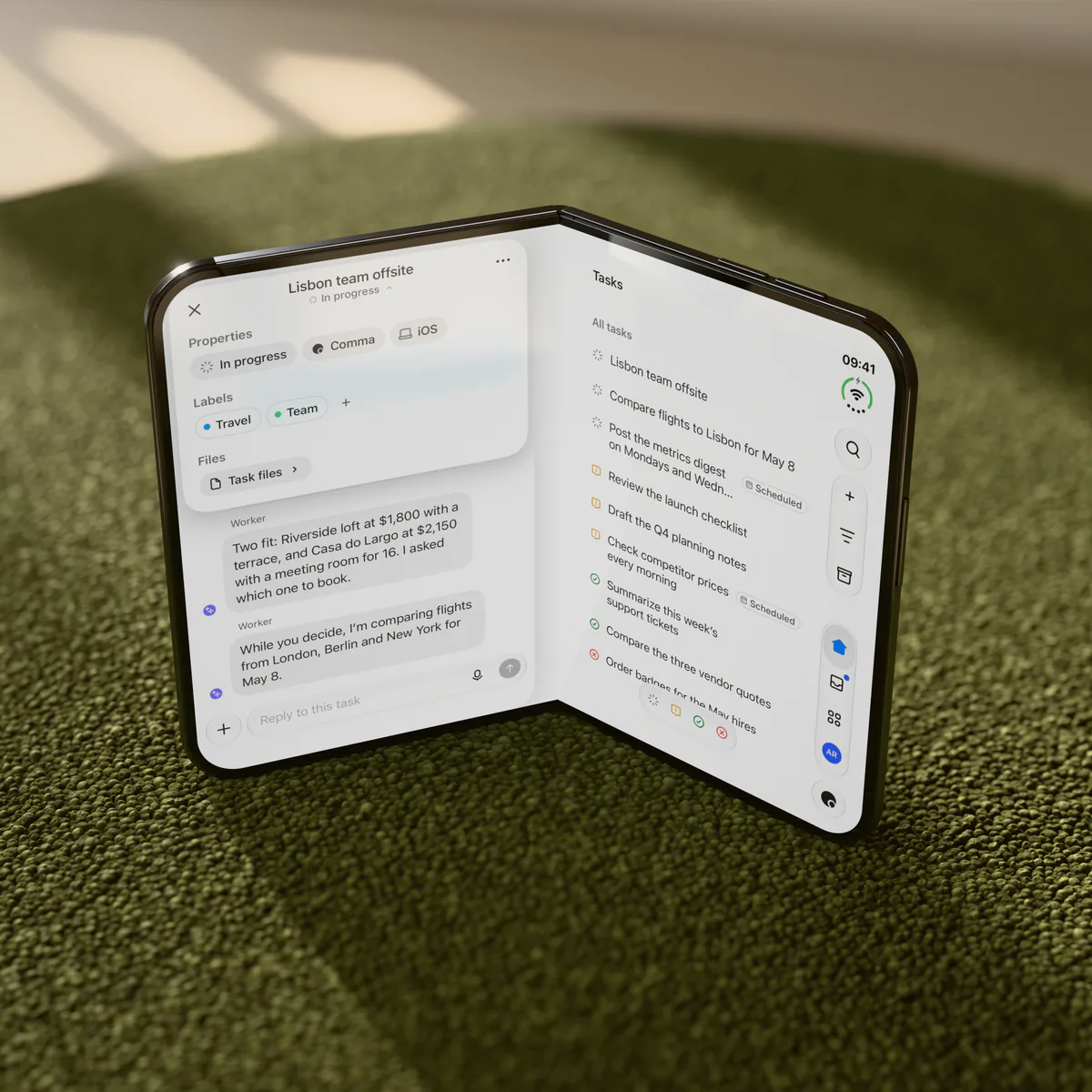
A Task opens beside your Task list, and nothing sits on the fold. Reply while Comma keeps working.
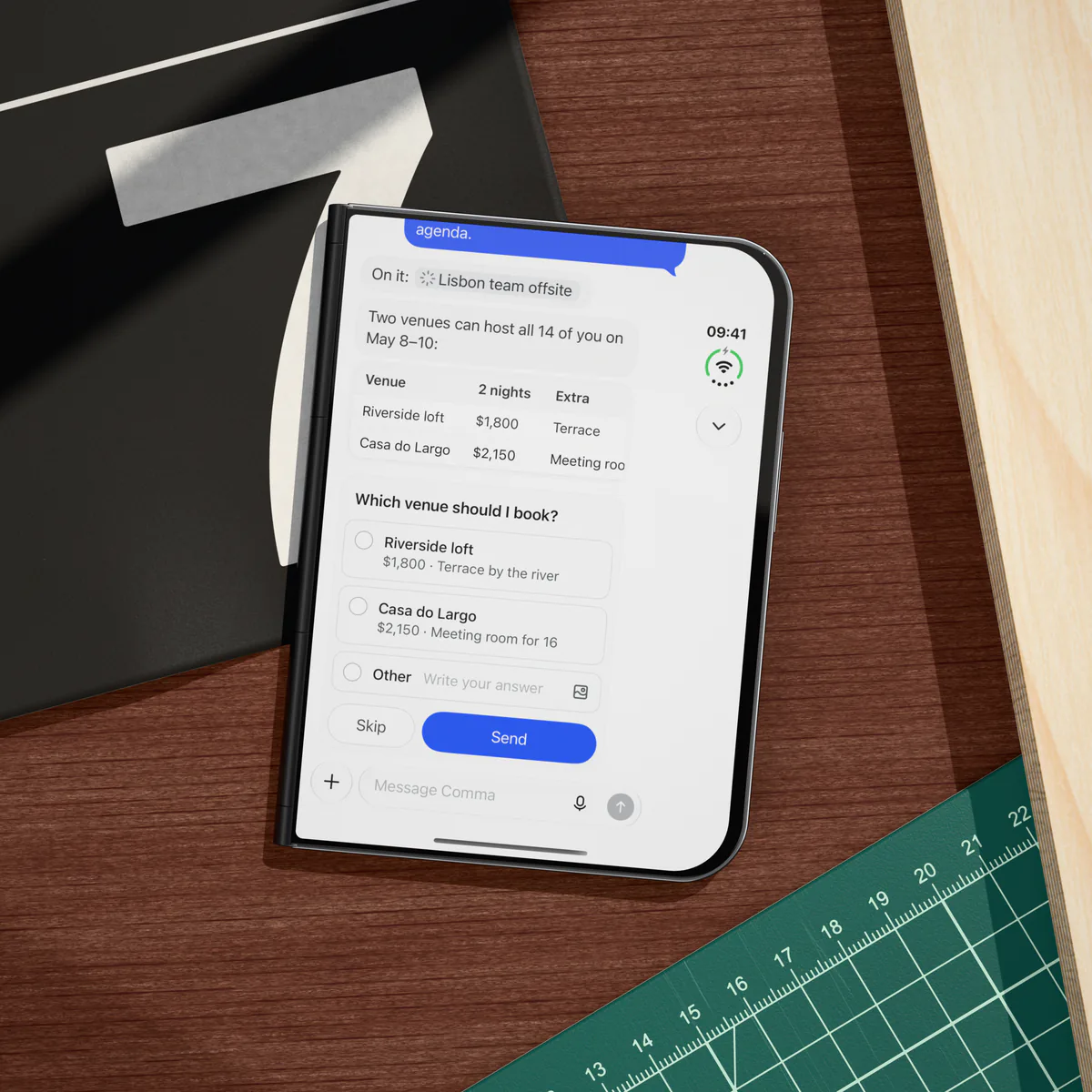
Comma can ask you to choose in the chat. Pick an option, write your own answer or skip.
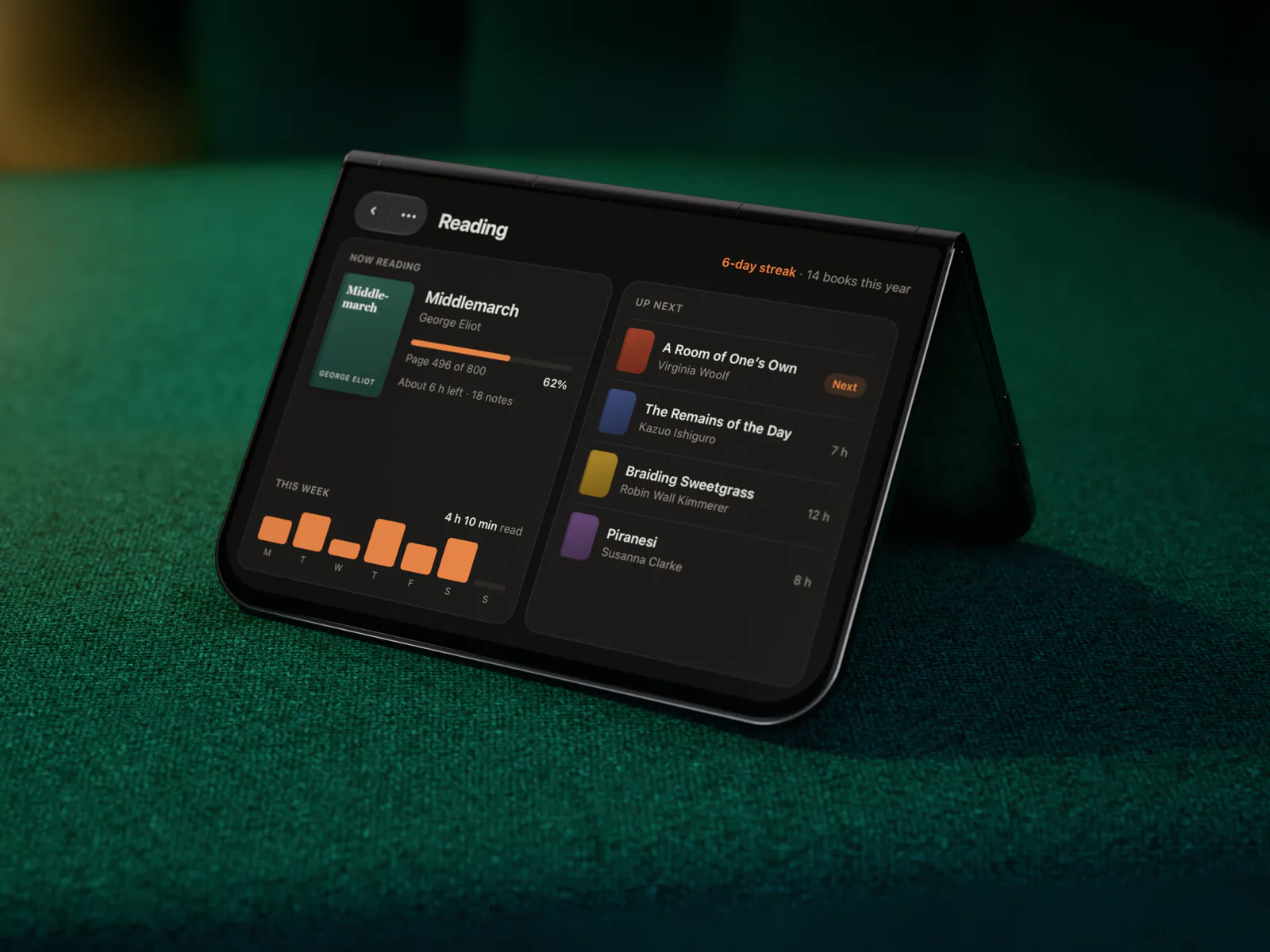
Ask Comma to build a tool, such as a reading tracker. It fills the cover screen when you open it.
Comma is a personal AI agent. On your phone, you hand it work in chat or by voice. Quick questions get an answer, and bigger work becomes a Task that you can follow and reply to. Your Tasks are the same on every device and on the web.
On iPhone and iPad, turn on notifications, and Comma tells you when a Task needs you, is done or cannot finish. On iPhone, the Lock Screen and the Dynamic Island can also show your current Tasks. On Android, open the app to see which Tasks need you.
No. Comma works on its own cloud computer, so a Task keeps going after you close the app. Work that uses one of your own computers needs that computer to be online.
No. Your conversations, prompts and files are never used for training, and your personal data is not sold. Connected apps get scoped access that you can revoke at any time.
Yes. The apps need a Comma account and an internet connection. Your Tasks keep going while your phone is offline.
iPhone and iPad with iOS 18 or later, Apple Watch with watchOS 11 or later, and Android phones with Android 15 or later and an ARM64 processor. Mini Apps need iOS 18.4 or later on iPhone and iPad.
Connect the watch once with your iPhone. Then you can chat with Comma, start a voice call, and follow your Tasks and reply to them. You can also start a call from your watch face.
On your phone, open comma.surf/download/android to download the APK, then open the file. Your phone asks you to allow the install the first time.
Comma is not in the App Store of every country and region. If it is not in yours, use the web app in your phone's browser: app.comma.surf
The apps are free to download, and the Free plan includes unlimited chat. To change your plan, use the desktop app or the web app. See the plans